
Sourcing Guides
Shopify Fulfillment Onboarding: The Data Migration Checklist
A go-live fails in the data before it fails in the warehouse. The SKU master, bundle BOM, stock snapshot, open orders, cut-off and UAT records that make the handover testable.
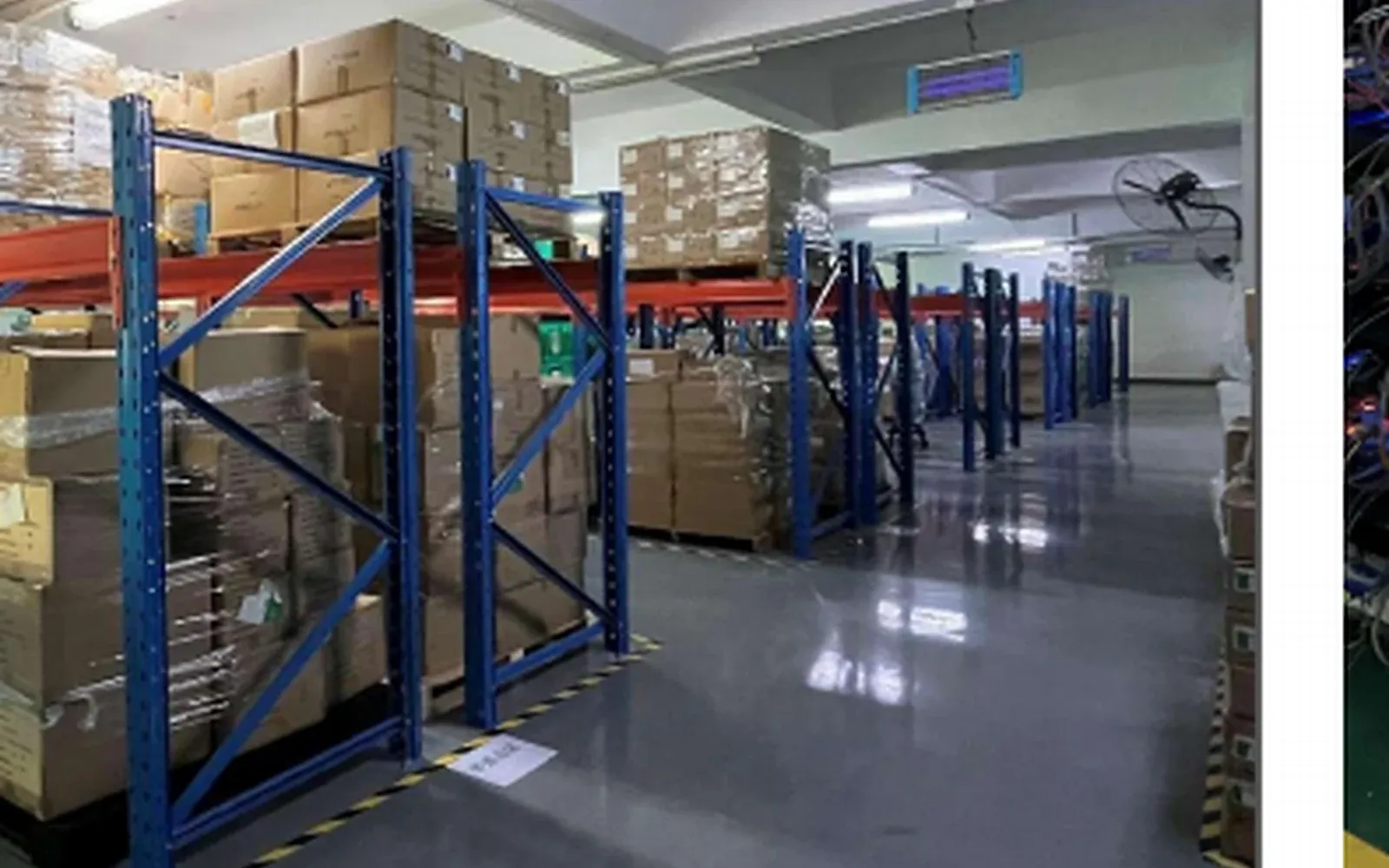
The warehouse is ready. The data is not, or not in a shape a warehouse can read. In our work, the first go-live failures we see are usually data failures: a missing weight, a bundle that deducts the wrong component, an order that two systems both believe they own.
Our China fulfillment program serves Shopify stores once they reach five daily orders. This is the data work we do before booking the first carton: the fields, the files, the test orders and the sign-off. It does not cover the first month of operations, the contract behind the service, or the move out of an old warehouse.
Freeze the Data Before Anyone Books a Truck
Start with scope. One store, one warehouse, and the channels that feed it. If orders also arrive from a marketplace or a social shop, name them now; a file built for one channel breaks quietly on the second.
Then choose a freeze date. After it, SKU codes, barcodes, variants, bundle BOMs and pack specifications stop changing without a change order. The change order names the field, the reason, who approved it and the date it takes effect. A label reprinted early is cheaper than a carton received against a code that no longer exists.
The order of work is fixed: SKU master, field mapping, stock snapshot, open orders, test orders and sign-off, then the first carton. Skipping a step does not save time. It moves the discovery to the receiving floor.
The gate is simple. No signed file, no booking. Data before boxes.
We put the freeze date and a version number in every file name. Each side names one data owner: the store for product facts, the warehouse for locations and scan rules. A group chat is not an owner.
The SKU Master Fields a Warehouse Actually Reads
Our 3PL onboarding guide already sets out the fields a SKU master needs and the unit trap that follows. This page does not rebuild that list. It adds the verification layer: for each field, who supplies it, who verifies it, and how the warehouse handles a value it cannot read.
A field with no named verifier is a hope. The store owns product facts; the warehouse owns locations and scan rules. The supplier's dimensions and weight are a starting point, not a measurement. We take one real variant, scan the outer carton and the unit, and measure and weigh one piece against the master. Anything that disagrees is marked MISMATCH and settled before go-live.
The 3PL onboarding guide covers the carton, piece and pack trap. Here the requirement is narrower: every field in the mapping carries its unit, and a bare number is rejected at review.
Barcodes follow the same split. The 3PL onboarding guide sets the quarantine rule for a barcode the scanner rejects; the migration test proves the rule on a real carton and records the result.
Changing a code after the freeze costs more than a correction. Printed labels, stocked units and live listings all point at the old string, so a code change travels with a change order and an effective date.
Variants, Bundles and the BOM Line That Consumes Stock
The 3PL onboarding guide explains why a parent-only master forces the warehouse to invent child codes. For onboarding, the question is which child codes need a storage location and a barcode, and which bundles need a BOM line, before the freeze. Each sellable variant must appear in the master with its own code, location and barcode; each bundle also needs a BOM line.
A bundle or kit is a bill of materials: component code, quantity, unit, an allowed substitute, an effective date and a version. The file should also say which stock a sale decrements. Some systems keep the bundle as its own SKU; others deduct the components. Both work if the choice is written down and tested. Our stock reconciliation playbook keeps the bundle map current after launch; this page freezes the BOM and tests one bundle before go-live.
Assembly mode changes the data. A kit assembled in the warehouse needs component stock, a packing step and a list the picker can follow. A kit packed by the supplier arrives as a single unit, so it needs a distinct barcode and a packing spec. Mixing the two models in one catalogue is how a bundle looks available while its components are gone.
A shortage or a substitution goes through a change order and a note to the store. A silent swap changes what the customer receives and what the bill of materials means. The old version stays in the file with an end date.
We open one bundle and count the pack against its BOM to see how many units one sale should deduct. Then we check how the warehouse system treats it: its own SKU or component deduction. One sale, one deduction.
Stock Snapshot, In-Transit and the Cut-Off Timestamp
The stock reconciliation playbook already sets the cut-off rule, the two timestamps and the three-number stock model for ongoing reconciliation. This page does not re-teach that model. It applies it once, at go-live, when the opening snapshot has to become the warehouse's first stock record.
The snapshot still needs two clocks: when the file was exported and when the shelf was last counted. A wide gap between them makes the comparison weak. A file without a timestamp goes back for re-export.
At go-live, three additional buckets need a named owner: quarantine, damaged and in transit. Quarantine and damaged sit outside the sellable pool. In-transit stock needs an owner per leg: goods on a supplier's truck belong to the inbound file, goods on a vessel belong to the shipment file, and stock moving between two warehouses belongs to a transfer record.
The cut-off decides which system owns an order. Orders placed before it stay with the old process; orders after it go to the new warehouse. Picked but not shipped is its own bucket, because the stock has left the shelf while the order is still open.
On day one, the store should publish available, not on-hand. A shop that shows shelf stock sells units already promised. The stock reconciliation playbook covers the negative-stock causes; for this handover, the rule is narrower: do not adjust a negative number until the movement is attributed to a receipt, a return counted twice, a bundle or a duplicate code.
We take one SKU that moved in that window and compare it in both files. Ask first which side of the cut-off the movement fell on, not why the numbers differ.
Open Orders, Preorders and Subscriptions at the Switch
The switch hands over orders, not only stock. Some orders are open in the store, some are queued in the old system, and some will be placed while the switch time passes. Each one needs a single owner.
The order ownership table carries the order number, the order time, the promised ship date, the system that will fulfill it and the current status. A table with status only, and no ship date, cannot settle a double shipment.
A preorder is not stock. An order for a unit that has not arrived cannot be sent to the warehouse as ready to pick. Allocation follows the promise date and the available quantity, and the file should show which preorder batch a unit belongs to.
A subscription carries three dates: the charge date, the generation date and the ship date. When the cut-off falls between them, the file should say who handles that order and in which system. Otherwise a renewal is generated twice.
Double shipments are prevented by a rule, not by attention. The old system stops pulling orders once the cut-off passes. The new system accepts only orders after it. Anything pulled and not dispatched gets a void or transfer record, so it exists in one place.
Tracking numbers need an owner too. One system writes the number back to the store, and one person watches the failures.
We sample three orders ahead of the switch: a normal open order, a preorder and a subscription renewal. For each, we write one line naming the system that ships it. Then we compare the old unshipped list with the new imported list and look for the same order in both.
Field Mapping, Test Orders and the UAT Sign-Off
A field mapping table is the working agreement linking shop and warehouse. Each row names the source system, the source field, the target system, the target field, the transformation or unit, whether the field is required, the owner and a note.
The mapping is where units and formats get settled. A weight in grams becomes a weight in kilograms, a date in one time zone becomes a date in another, a store status becomes a warehouse status.
The 3PL onboarding guide already sets the seven order cases and the expected-versus-actual discipline. This page does not rebuild that list. The migration adds two cases: a field whose unit changes in transit, and an order that crosses the cut-off. Both are data failures that a generic test set can miss. Run two similar variants as separate single-item orders; a generic single-item test can pass while the picker scans the wrong color or size.
The user acceptance test (UAT) record carries the order number, the source file, the expected value, the actual value, pass or fail, the evidence, the owner and the fix date. A row without evidence is an opinion. The inventory line belongs in the test too, since one sale should deduct once and the before and after counts should show it.
A defect accepted as known still needs a workaround, an owner and a date. The gate before go-live is three items: UAT signed by both sides, the first carton reconciled on receipt, and the cut-off rule confirmed in writing. All three, or the date moves.
Test orders leave marks. Each one is labelled as a test, cancelled or refunded, and its stock returned to the pool it came from, so test units never enter sellable stock.
A test order also exercises receiving and dispatch, which belong to the fulfillment work at (/b2c-fulfillment). This page stays with the file.
Day-One Reconciliation, Exception Ownership and the Export File
Day one has three reconciliations. The first carton's received quantity against its advance shipping notice. The first ten live orders' stock deductions against the order lines. The first return's grade and restock record against the refund that was issued.
Our inbound is checked unit by unit, so the receiving count and the advance shipping notice have to agree before the stock goes to a shelf.
Exceptions need an owner per type. A data difference belongs to the store. A count or location difference belongs to the warehouse. A parcel that never arrives belongs to the carrier conversation. Each type gets an evidence rule and an agreed deadline.
The export question is settled at go-live, not at the end. The store should pull its SKU master, stock snapshot, orders, returns and invoice history as CSV files without asking the warehouse to run it. If an export is locked, mark it LOCKED and resolve it before that carton moves.
Access follows the same rule. Admin accounts, API keys and portal logins have named owners, and they are revoked when a person leaves or a project ends.
This is not an exit plan. It is portability at the start.
After the first count is signed, the recurring comparison is the routine described at (/knowledge-hub/shopify-inventory-reconciliation-china-warehouse). This page stops at day one.
This is a data-preparation checklist, not a promise of migration time, inventory accuracy or carrier performance. The cut-off, count method and responsibility split belong in the fulfillment agreement.
Send a redacted sample to (/contact-us) ahead of the first booking: the SKU file, the stock snapshot and open-order lines with customer names, addresses and contact details removed, and ask for our Fulfillment Cost Review.